
Premiere Pro Basics-Ultimate Guide to Get Started with Video Editing in Premiere Pro-Hindi
About Course
Unlock the Power of Adobe Premiere Pro and Transform Your Video Editing Skills!
🚀 Course Overview:
Whether you’re a beginner looking to start your video editing journey or a creator aiming to level up your skills, this course is your ultimate guide to Basics of Adobe Premiere Pro.
What You’ll Learn:
✅ Foundations: Navigate Premiere Pro’s interface, timeline, and essential tools.
✅ Tools Overview: Master necessary Editing Tools
✅ Audio Techniques : Audio Cleaning, enhancing, mixing etc.
✅ Audio Video Transitions: Time-saving shortcuts, Applying video transitions, Audio Transitions and Audio Effects.
Who Is This For?
- Beginners with zero experience or intermediate editors ready to learn how to get started with Adobe Premiere Pro Basic to advanced tools.
Course Content
Basics of Adobe Premiere Pro
-
1-Home Screen Importing Files Workspaces Premiere Pro Basics
11:05 -
2-Create New Sequence-Organizing-playback & Much More
07:28
Mastering Tools
Next Step
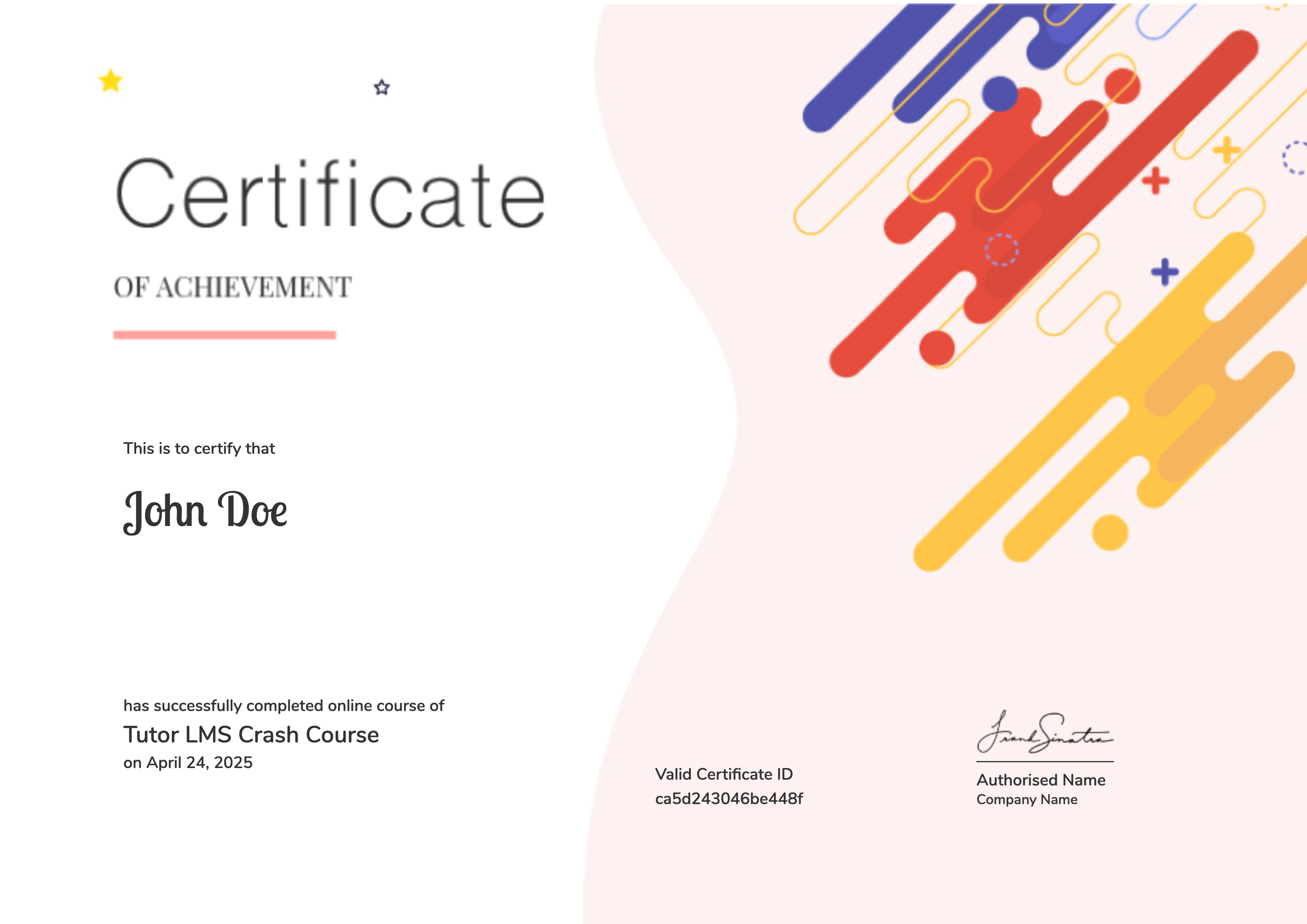
Earn a certificate
Add this certificate to your resume to demonstrate your skills & increase your chances of getting noticed.
Student Ratings & Reviews

No Review Yet