
Free-GeoLayers Fundamentals of Viral Geography Map Videos Using After Effects & GeoLayers
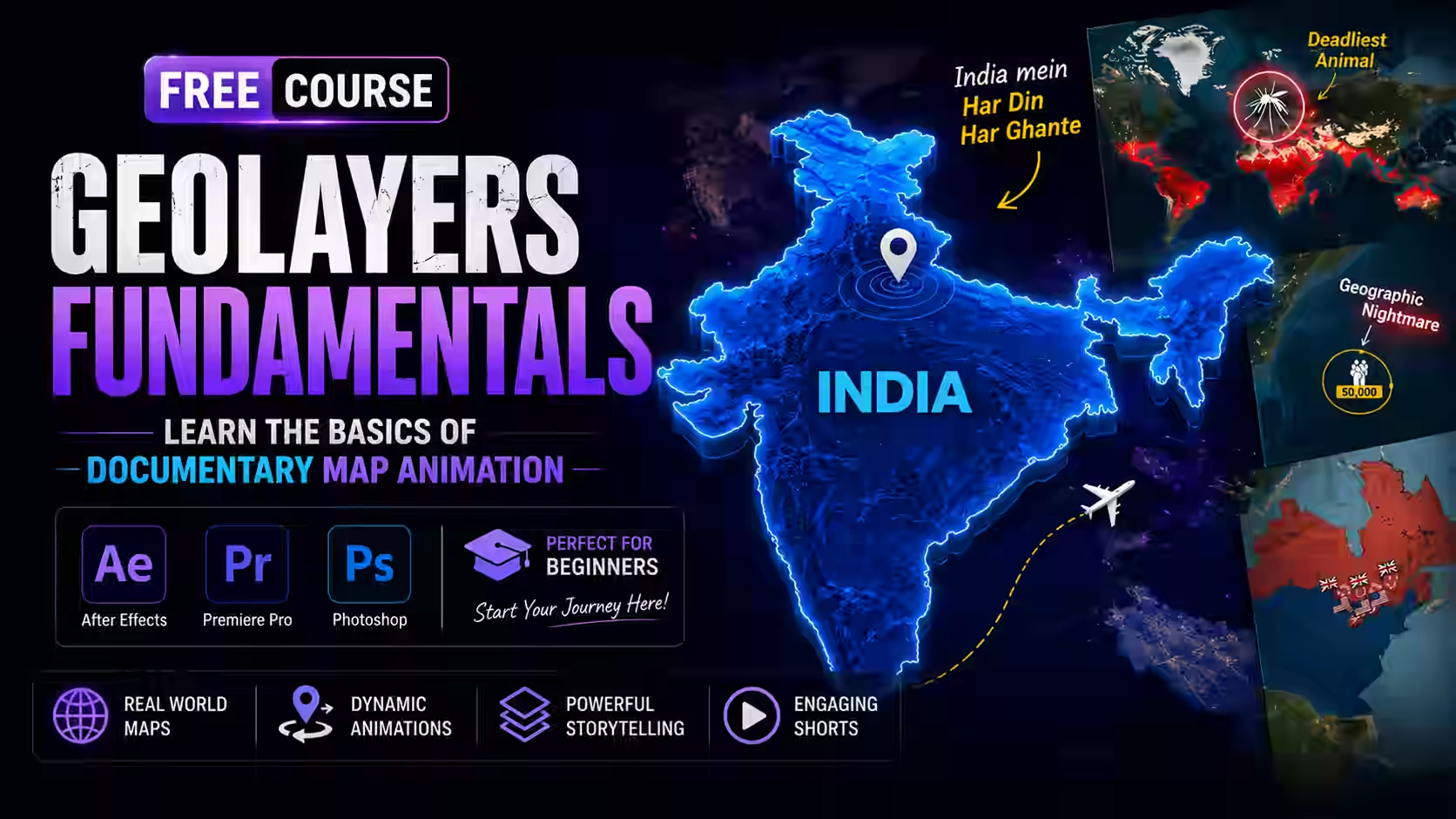
About Course
Learn how to create stunning geo-map videos that attract millions of views using Adobe After Effects and GeoLayers.
In this basic course, you’ll learn fundamentals to create modern geography-style videos featuring animated countries, glowing borders, territorial highlights, dynamic labels, flight routes, map transitions, and cinematic storytelling effects.
Starting from the basics, you’ll master GeoLayers setup, map imports, styling techniques, camera animation, and advanced motion graphics workflows inside After Effects. You’ll then apply these skills to real-world projects inspired by popular geography channels and short-form content creators.
By the end of this course, you’ll be able to:
✅ Understand Map Animation Basics
✅ GeoLayers Basics-Fundamentals of GeoLayers
✅ Quick Map Animations
✅ Custom Route Map Animation in After Effects + GeoLayers
Whether you’re a beginner, content creator, freelancer, or motion designer, this course will give you the practical skills needed to create modern geography videos that stand out online.
Course Content
Basics
-
0-How to Install GeoLayers 3
01:17 -
Download GeoLayers
-
1500+ Best Fonts for Video Editing & Designers
GeoLayers Basics-Fundamentals of GeoLayers
Quick Map Animations
Custom Route Map Animation in After Effects + GeoLayers
Next Step
Student Ratings & Reviews